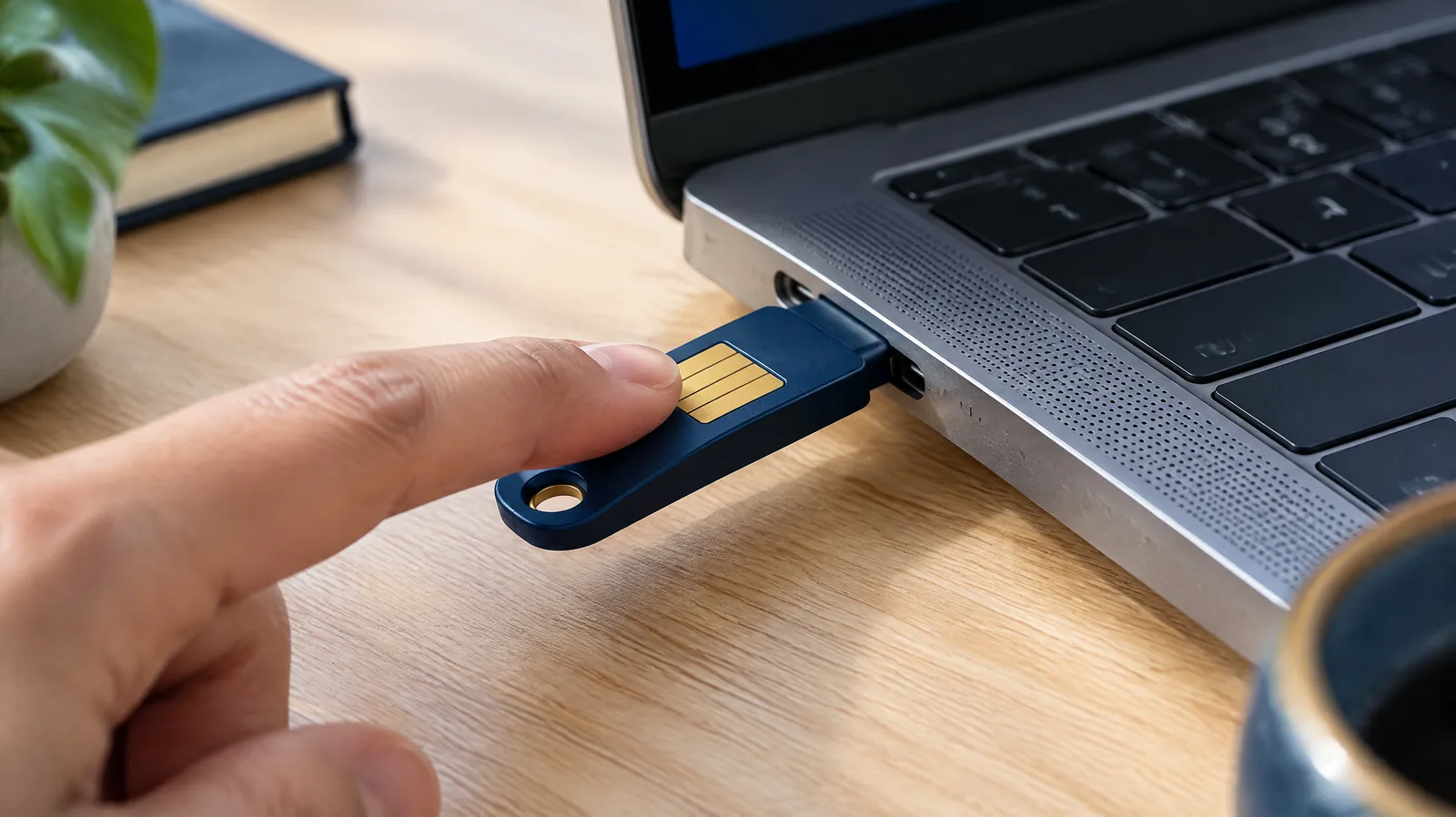
Cyber security for small businesses in New Zealand comes down to a handful of controls done well: multi-factor authentication, prompt updates, sensible access, tested backups, careful payments and staff who know what a scam looks like. Security Solution Consultants (SSC) helps small and medium businesses across New Zealand put those basics in place, meet Privacy Act 2020 obligations and answer the security questions larger customers now ask, without enterprise-sized budgets or jargon.
Small businesses are targeted because attackers expect the basics to be missing.
Why small businesses are targeted
Most attacks on small businesses are not sophisticated. Criminals send convincing invoices with changed bank details, take over email accounts with stolen passwords, encrypt files with ransomware, or trick staff into approving payments. They target small businesses because they expect weak passwords, no second factor and no one checking the logs. The good news is that the same few controls stop most of these attacks.
The controls that stop most attacks
The National Cyber Security Centre (NCSC) publishes Critical Controls based on the incidents it sees in New Zealand, and reviews them every year. For a small business, the most important are:
Multi-factor authentication on email, Microsoft 365 or Google Workspace, banking, accounting software and remote access. Use an authenticator app or security key where you can.
Patch software and systems by turning on automatic updates for computers, phones, routers and business applications.
Least privilege, so staff use normal accounts day to day and only a few people hold administrator access.
Implement and test backups of the data you could not run without, kept separately from your main systems, with a restore tested at least once a year.
Secure email with SPF, DKIM and DMARC records so criminals cannot easily send email that looks like it came from your domain.
Verify payment changes by phoning a known number before changing any supplier’s bank account details.
Train your team to recognise phishing and scam calls, and make it easy to report a mistake quickly.
Multi-factor authentication: the single biggest win
A second factor stops most account takeovers, even when a password has been stolen.
Most small business incidents we see start with a compromised email account. Once an attacker is inside a mailbox, they watch conversations, send fake invoices and reset passwords for other systems. Turning on multi-factor authentication for every account, starting with email and accounting, closes that door. We help you switch it on across Microsoft 365 or Google Workspace, remove old login methods that bypass it, and set up recovery so staff are not locked out.
Your obligations as a New Zealand business
Privacy Act 2020. Information Privacy Principle 5 requires reasonable security safeguards for personal information about customers and staff. If a privacy breach causes or is likely to cause serious harm, you must notify the Privacy Commissioner and the affected people as soon as practicable. The Commissioner expects this within 72 hours.
Customer and supplier contracts. Larger customers, government agencies and franchisors increasingly ask small suppliers to answer security questionnaires or meet minimum controls before they sign.
Cyber insurance. Insurers commonly ask whether you use multi-factor authentication, keep backups and patch systems, and the answers affect cover and premiums.
Backups you can rely on
A backup only counts if you have restored from it.
Ransomware and accidental deletion are survivable when backups are complete, separate from the systems they protect, and tested. Cloud services such as Microsoft 365 do not automatically protect you from every deletion or attack, so we check what is really backed up, how long it is kept, and how quickly you could restore your most important information.
Small business cyber security checklist: a 30-day plan
When
What to do
Week 1
Turn on multi-factor authentication for email, banking and accounting. Remove accounts for people who have left.
Week 2
Turn on automatic updates everywhere. Check that only one or two people have administrator access.
Week 3
Confirm what is backed up, where, and for how long. Restore one important file or folder to prove it works.
Week 4
Set up SPF, DKIM and DMARC for your email domain. Agree the rule for checking bank detail changes, and run a 30-minute scam awareness session with the team.
Write down what you did and when. That short record is the start of your security policy, and it is exactly what customers and insurers ask to see.
Questions to ask your IT provider
Is multi-factor authentication enforced for every account, including administrators and shared mailboxes?
How quickly are security updates applied to our computers, servers and network devices?
What exactly is backed up, how often, where is it stored, and when did we last test a restore?
Who has administrator access to our systems, including your own staff, and how is that access protected?
What happens, and who calls whom, if we are hit by ransomware tomorrow?
If the answers are unclear, that is the first gap to close. We can join that conversation and turn the answers into a short plan.
How SSC helps New Zealand SMEs and small businesses
Cyber health check. A short, plain-language review of your accounts, devices, email, backups and suppliers against the NCSC Critical Controls, with a prioritised list of fixes.
Microsoft 365 and Google Workspace security review. Multi-factor authentication, admin accounts, sharing settings, email protection and audit logging.
Practical policies. A short information security policy, acceptable use guidelines and a one-page incident response plan your team will actually read.
Staff awareness. Short sessions on phishing, invoice fraud and safe payments.
Supplier questionnaires. Help answering security questionnaires from larger customers, and a path to ISO 27001 certification if customers require it.
External exposure check. Our EASMLens platform finds internet-facing systems and misconfigurations an attacker could see.
We work with your existing IT provider rather than replacing them, so improvements are made by the people who already look after your systems.
If something goes wrong
If money has been lost or banking details shared, call your bank immediately.
Report cyber incidents to the NCSC at ncsc.govt.nz or on 0800 114 115.
Get help with scams from Netsafe on 0508 638 723, and forward scam texts free to 7726.
If personal information is involved, assess whether the breach is notifiable to the Privacy Commissioner.
Our incident response and recovery service can help you plan ahead so these steps are not being worked out under pressure.
Start with multi-factor authentication on every account, automatic updates, limited administrator access, tested backups, email protection with SPF, DKIM and DMARC, a rule to verify any change of bank details by phone, and short staff training on scams. These cover most attacks against small businesses.
Yes. Many attacks are automated and opportunistic, looking for weak passwords and missing updates regardless of business size. Invoice fraud and email account takeover are among the most common incidents affecting small businesses.
Yes, if a privacy breach has caused or is likely to cause serious harm. The Privacy Act 2020 requires you to notify the Privacy Commissioner and affected individuals as soon as practicable; the Commissioner expects notification within 72 hours.
The most effective controls, such as multi-factor authentication, updates and backups, often use tools you already pay for. Advisory help is usually a short, fixed-scope engagement. We scope the work to your size and risk before quoting.
Usually not at first. Get the basics in place and documented. If customers or tenders require independent certification, ISO 27001 can be scoped to suit a small organisation.